Nextcloud
Self-host file sharing and documents for your team.
The OurGrove OS & appliance
An app store for the services you use online. Host them on a Grove appliance or compatible hardware, with one OS for setup, updates and recovery.
From the OurGrove app catalogue
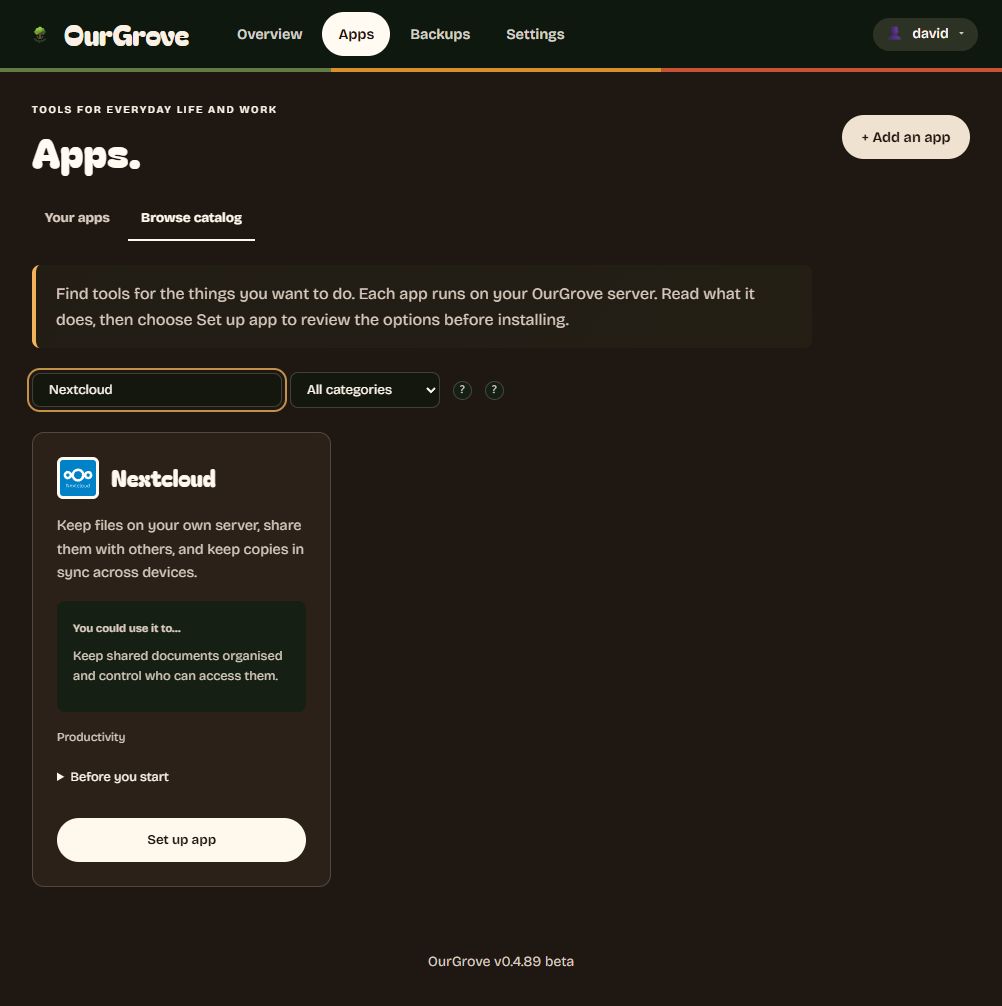
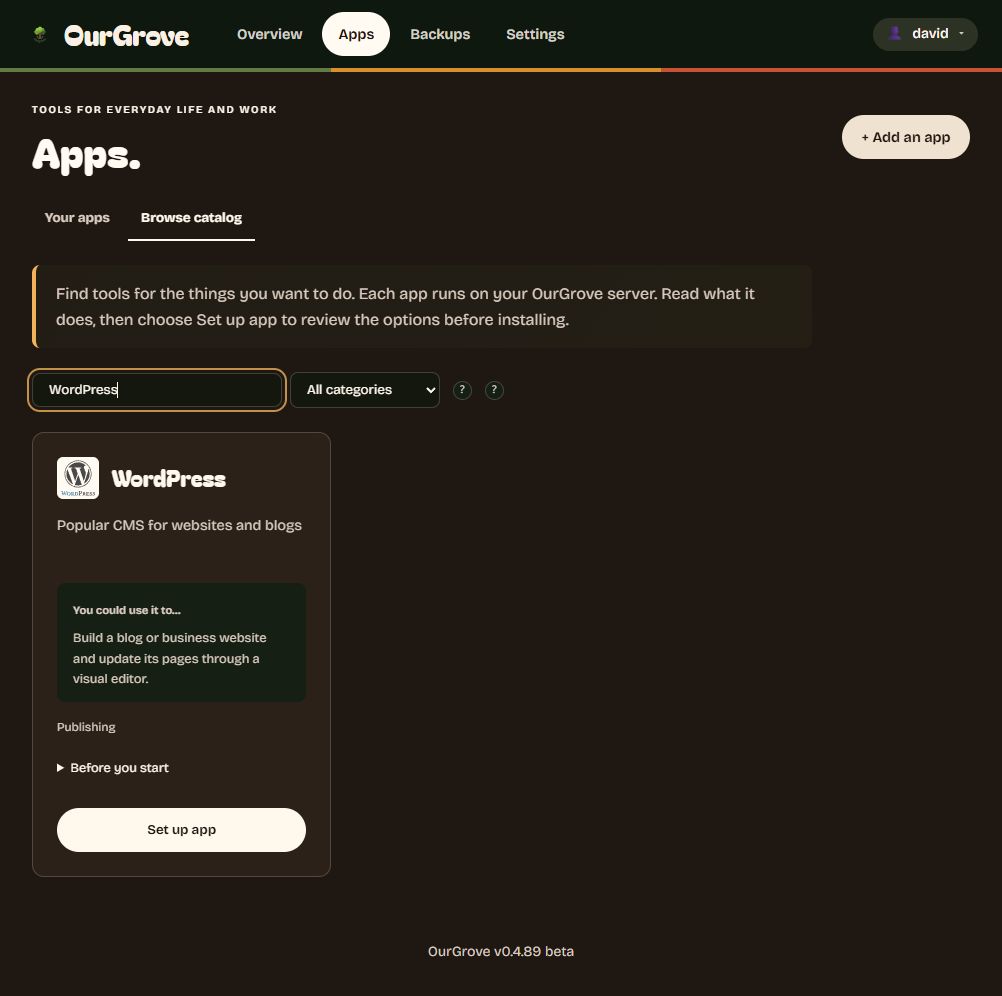
Domains, network access and app-specific settings still need initial setup.
In the beta catalogue
Public websites, private workspaces and services for home. Choose what to host and who can reach it.
Self-host file sharing and documents for your team.
Publish a website or blog on your own domain.
Control compatible smart devices from your own server.
Bring phone photos into a library you host.
Stream your own films, videos and music.
Keep passwords in a vault on your server.
Also in the catalogue: Drupal and Ghost for publishing, Paperless-ngx for documents, Vikunja for tasks, Gitea for code, and Grafana for dashboards. App licences, setup and hardware requirements vary.
We run our own company on it: files in Nextcloud, chat in Matrix, customer records in Twenty, tasks in Vikunja and local AI with Ollama.
Local AI
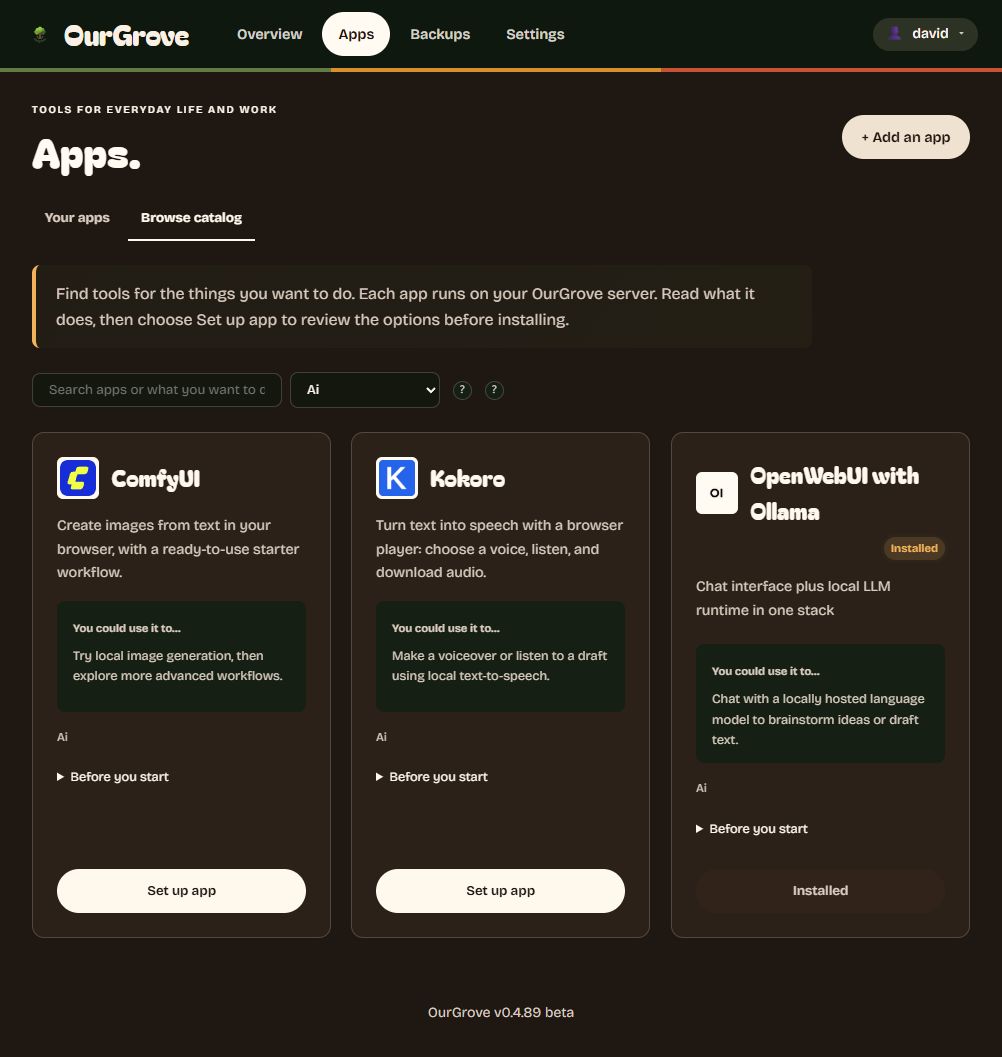
Chat with OpenWebUI and Ollama. Create images with ComfyUI. Give text a voice with Kokoro. All on your hardware.
Choose models that fit your hardware and your work.
One OS. Two ways to run it.
Our OS and a compact server, designed together. Standard parts you can repair and upgrade. The first model, Grove Oak, is €2,500 including VAT.
The OS is planned as a free install for compatible hardware.
Supported hardware will be documented before release. Local AI requirements depend on the model and workload.
How much computer do you need? ↗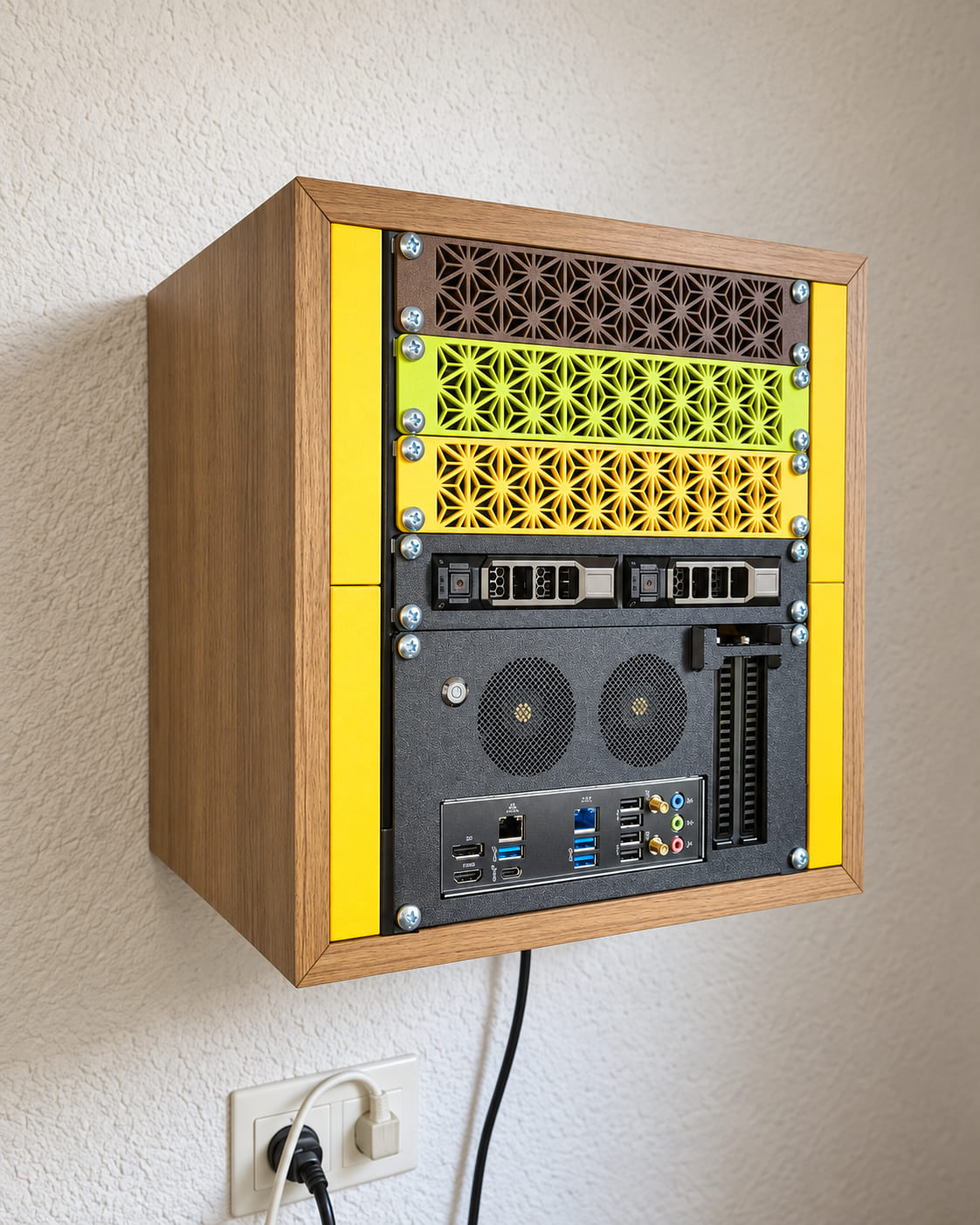
Before it arrives
A Grove sits on a shelf, runs quietly and plugs into what most offices already have.
Under the surface
Deployment, updates and recovery belong in the same place.
App recipes connect software, databases and storage. Domain and HTTPS settings help put public services on the web. Apps in the catalogue are tested as part of each release.
Built on Fedora bootc, and to be published as open source. Complete, versioned OS images make updates and rollback repeatable. Your app data stays separate, ready to restore onto a known foundation.
Accounts, apps, files and databases in one recovery archive. Nightly backups, off-server copies and full or selective restore. Tested in our release pipeline.
An onboard agent to check the system, follow recovery procedures and help human support. On the roadmap.
Security
Owning the machine changes the risks. Here is how the design deals with them.
Apps stay on your local network until you choose to make one public. A public service gets its own domain and HTTPS. Nothing is exposed by default.
The OS runs from a versioned image that nobody types commands into. A bad update rolls back to the previous version. Apps in the catalogue are tested with each release.
The disks are encrypted and unlock only inside the Grove they belong to, through its TPM security chip, so a drive taken out of the machine is unreadable. A nightly archive of your settings, apps, files and databases can be copied off the machine: to a NAS, to S3-compatible storage or to a second Grove at another site. Theft, fire or ransomware does not take the only copy.
Keeping data on your premises makes it easier to say where it is. Access, backups, integrations and remote support still shape where data goes. We say where. You decide.
First pilots
We are shaping pilots with the first teams, so the details are agreed per team. This much is decided.
Tell us which tool you would move first and what the team uses today. We work out the starting point together, and you talk to us directly throughout.
Move one tool. Let the team use it every day. Then move the next. One big push creates resistance; one tool that works creates momentum.
Our first appliance, including VAT. The OS on it is free and will be open source. More about the machine follows before launch.
How long a pilot runs, which optional services are included and what they cost are still being worked out. We agree that with you before anything ships.
The practical details
The OS is in beta and the appliance is a prototype. Public release comes next. Talk to us about a pilot or get launch updates.
Yes. The OurGrove OS builds on Fedora bootc and will be published as open source when it is released. The apps in the catalogue are open-source projects with their own maintainers.
Grove Oak, our first appliance, is €2,500 including VAT. The OS is free and will be open source. Optional services such as offsite backups, remote access and support are priced before launch. Apps have their own licences and may offer paid features.
Email stays where it is. Nearly every team already has a mailbox that works, and mail sent from an office internet connection is often filtered or blocked by the large mail providers. Self-hosting it tends to cause more trouble than it saves. Move files, documents, chat, customer records and passwords first.
One app at a time. Pick the tool with the clearest benefit, move it, and let the team use it every day before you move the next. Moving everything in one push creates resistance. What has changed is the step after that: setting up the next app is a guided install from the catalogue, not a project.
No. A WordPress website can be public on your domain, while Nextcloud stays limited to your team. Public access needs domain, HTTPS and network configuration; private services can stay on your local network.
People ready to bring software in-house, especially teams of 1 to 20 without dedicated IT. Home users and experienced self-hosters are welcome.
Move the work that makes sense for you. Start with one app, keep tools you still need, and build from there.
Apps in the catalogue are tested as part of each OurGrove release, together with the OS, so an update arrives as one tested step and the previous OS version stays on the machine to go back to. Support hours and scope are still being defined. During a pilot you talk to us directly.
It keeps running. The OS and the apps are on your machine, the OS will be open source, and the apps are open-source projects with their own communities. Your files, databases and settings sit in a recovery archive on storage you hold, in the apps’ own formats. The machine does not need our servers to keep working.
Locally configured models can process prompts on your machine. External integrations, remote support and backup destinations affect where data goes.
Your files and customer data stay on your premises, on encrypted disks in hardware you own, with no cloud provider’s account in between. That makes it easier to answer where your data is and who can reach it. It does not make you compliant by itself: access, backups, integrations and remote support still need to be set up with care.
These are real v0.4.89 screenshots. App deployment and recovery are in beta; restore is release-tested. The cabinet is a prototype. The maintenance agent is planned.
Bring us the first app you want to take in-house.